


How to recognize phishing attacks and protect yourself?
Da li ste čuli izraz „fišing“ (phishing) na internetu? Fišing napadi predstavljaju jednu od najčešćih i najopasnijih pretnji u sajber bezbednosti. Ovi napadi se zasnivaju na manipulaciji korisnika (uglavnom starijih, digitalno nepismenih ili slabo pismenih) kako bi nesvesno otkrili osetljive informacije, poput lozinki, brojeva kreditnih kartica ili ličnih podataka.
By understanding how phishing works, anyone can recognize and protect themselves from these dangerous scams. Thanks to the various methods phishers use, it's important to know how to identify suspicious emails, websites, Facebook posts and text messages.
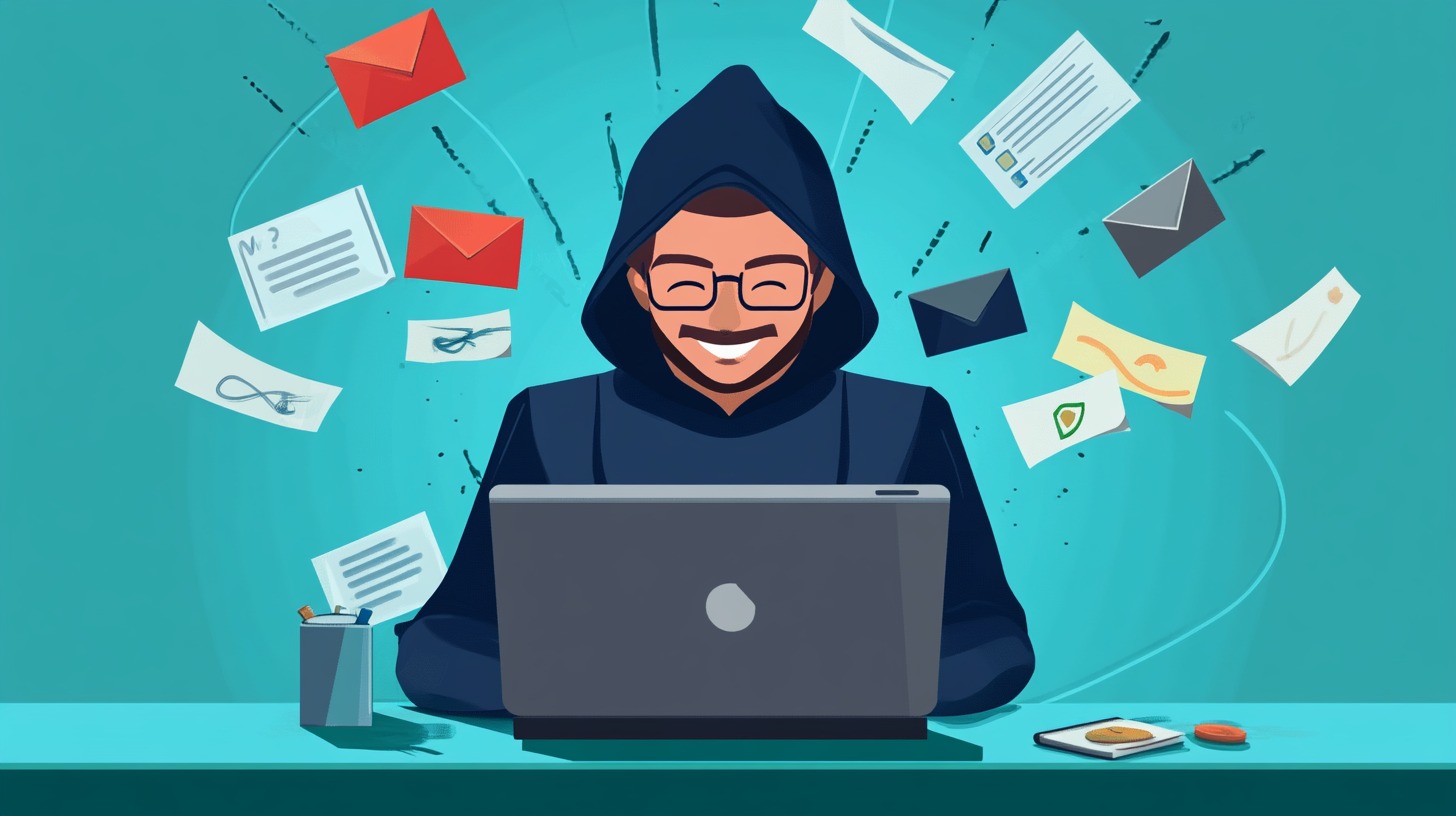
What is important to know?
- Recognizing a phishing attack requires attention to detail.
- Various protection methods can reduce the risk of fraud.
- Education and timely procedures are key to safety.
Šta je fišing? Čuvajte se da ne budete „upecani“
It is somewhat easy to explain what it is.
Scammers often use urgent messages or alerts to prompt victims to take immediate action.
How does phishing work?
Phishing usually starts, for example, by sending fake emails that look authentic. fake sites that name a brand or company.
After the user enters their information, the fraudsters have access.
Types of phishing attacks
Now comes the hard part.
| The guy | Characteristics | The audience | Objectives |
| Email Phishing: | The most common form of phishing. | Wide audience, e-mail service users. | Theft of passwords, financial data and the installation of malware. |
| Spear Phishing: | Personalized attacks directed at specific individuals or organizations. | Individuals in companies, organizations. | Obtaining confidential information and financial fraud. |
| Vishing: | Phishing phone calls, often posing as a bank or IT support. | Users of banking services, employees of companies. | Manipulating the victim into providing personal or financial information. |
| smishing: | Attacks via SMS messages containing fake links or phone numbers. | Mobile device users. | Scams that lead to identity theft or malware installation. |
| Whaling: | Specialized attacks targeting senior officials within organizations. | Directors, financial managers, executives. | Obtaining large sums of money or confidential company information. |
What methods do phishers use?
Key methods include fake websites, malicious attachments and fake help requests, often masquerading as legitimate requests.
Fake websites
One of the most common phishing methods is the creation of fake websites that look like reliable sources. domains with small differences, such as substituting letters or adding words.
Korisnici često nesvesno unose svoje lične podatke na ovim stranicama misleći da se nalaze na legitimnom mestu. URL address in order to avoid this kind of fraud.
Malicious attachments in email
These attachments can be in the form of a document, presentation or application sent via email.
Users are often lured into clicking on files that look like important documents, such as invoices or reports.
False requests for help
One of the most common tactics phishers use is to play on people's empathy and desire to help.
The best way to protect yourself from such scams is to not rush to react.
If the message purports to be from a bank or other institution, check official channels before clicking on any links or sharing information.
Identifying phishing attacks!
The question of all questions: How to recognize them and protect yourself!
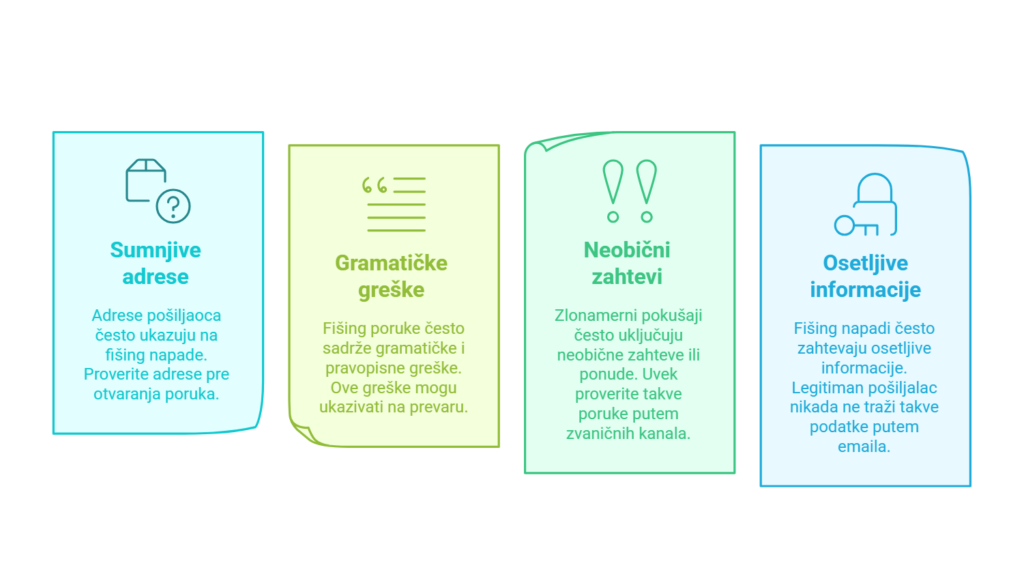
Protection measures!
In order to reduce the risk of phishing attacks, it is necessary to take comprehensive protection measures.
1. Using advanced software for protection
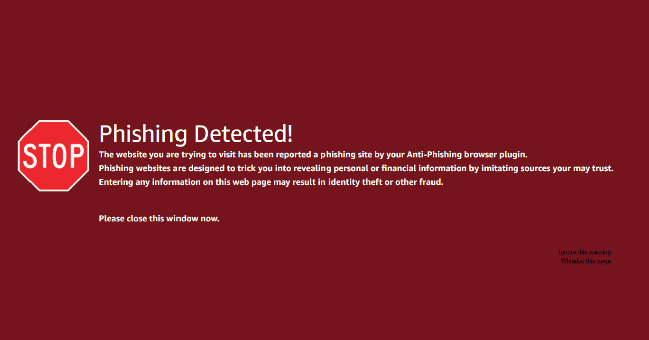
Good antivirus programs and systems for malware detection can recognize and block suspicious e-mails before they reach the user.
In addition to antivirus solutions, many email services offer built-in filters that automatically flag or move phishing messages to the spam folder.
However, no software is infallible, so the user's attention is still of crucial importance.
2. Education and awareness development among employees

Even the best software cannot fully protect users if they themselves are not trained to recognize and avoid phishing attacks.
The best way to reduce risk is through regular training and attack simulations.
One wrong click can lead to serious security incidents, so ongoing education is key to maintaining a high level of protection in any organization.
3. Two-factor authentication - an additional layer of security
Two-factor authentication (2FA) is one of the most secure account protection methods.
4. Proper management of passwords - do not enter them anywhere, do not record them anywhere
Anywhere that asks you to enter a password, make sure you're on the right site, the right place.
Also, a weak or reused password can be an easy target for hackers.
Procedures after detecting a phishing attack

When a phishing attack is detected, it's important to act quickly to minimize the damage.
Always ask for the help of a more professional person, some agency... in the last case, the police.
Changing compromised passwords
Ako je lozinka kompromitovana, prvi korak je promena stare i pisanje nove, jož bolje i teže za „provaljivanje“. To uključuje lozinke za e-mail, bankovne račune i sve druge aplikacije koje sadrže osetljive informacije.
It is recommended to use complex passwords that combine upper and lower case letters, numbers and special characters.
Of course, do not accidentally put 123456 or something similar, or the name of a child, a pet, or similar things that someone can break into.
The user should activate two-factor authentication for an additional level of protection.
Processing infected systems
After changing passwords, it's important to check all devices where the compromised accounts were used.
If a device is found to be infected, it is recommended to format or restore it to factory settings.
The user should update all software applications to correct potential security vulnerabilities.
Notification of competent institutions
Notifying the authorities can help prevent phishing attacks.
Reporting can contribute to greater research and the potential capture of attackers. cyber crime.
Also, the user can inform their banking sector about possible frauds, which can protect their financial interests.
Prevention of phishing attacks - the key to the fight is PREVENTION
The best fight against this is PREVENTION.
Regular safety inspections
Regular security audits are a key tool for identifying potential weaknesses in systems.
Methods used:
- Security testing: Periodic checks to identify vulnerabilities.
- Network monitoring: Continuous monitoring of network traffic to identify suspicious activity.
These activities enable the timely recognition and correction of security flaws before they are exploited by attackers.
Development of security policies
Creating and implementing safety policies helps employees understand expectations and safe practices.
Key policy components:
- Setting the rules: Defining welcome and prohibited activities.
- Procedure for reporting an attack: How to deal with a suspicious email.
Organizations should regularly update policies to align practices with new threats and technologies.
Continuous information and training on security threats
Continuous information and training of employees is essential to protect the organization from phishing attacks.
Educational programs may include:
- Workshops and seminars: Providing practical knowledge about current threats.
- Attack simulations: Role-playing for recognizing phishing emails.
Through this kind of training, employees will acquire the necessary knowledge and skills to protect themselves and the organization.
Frequently Asked Questions
How do I report a suspicious email or Internet scam?
Suspicious emails should be reported to your service provider via the available reporting options.
What preventive measures can we take to avoid phishing?
Users should exercise caution when opening emails from unknown senders.
How is phishing different from other types of Internet fraud?
Phishing specifically focuses on stealing personal information through fraudulent communications.
How can I identify legitimate requests versus phishing attempts?
Legitimate requests usually come from well-known sources and contain personalized information.