


What does a 404 error mean and how to fix it?
404 error is one of the most common problems faced by internet users. This error indicates that the requested page was not found, which can negatively affect the user experience and SEO ranking web sites.
Many users find the solution quite complicated, but there are a few simple steps that anyone can take!
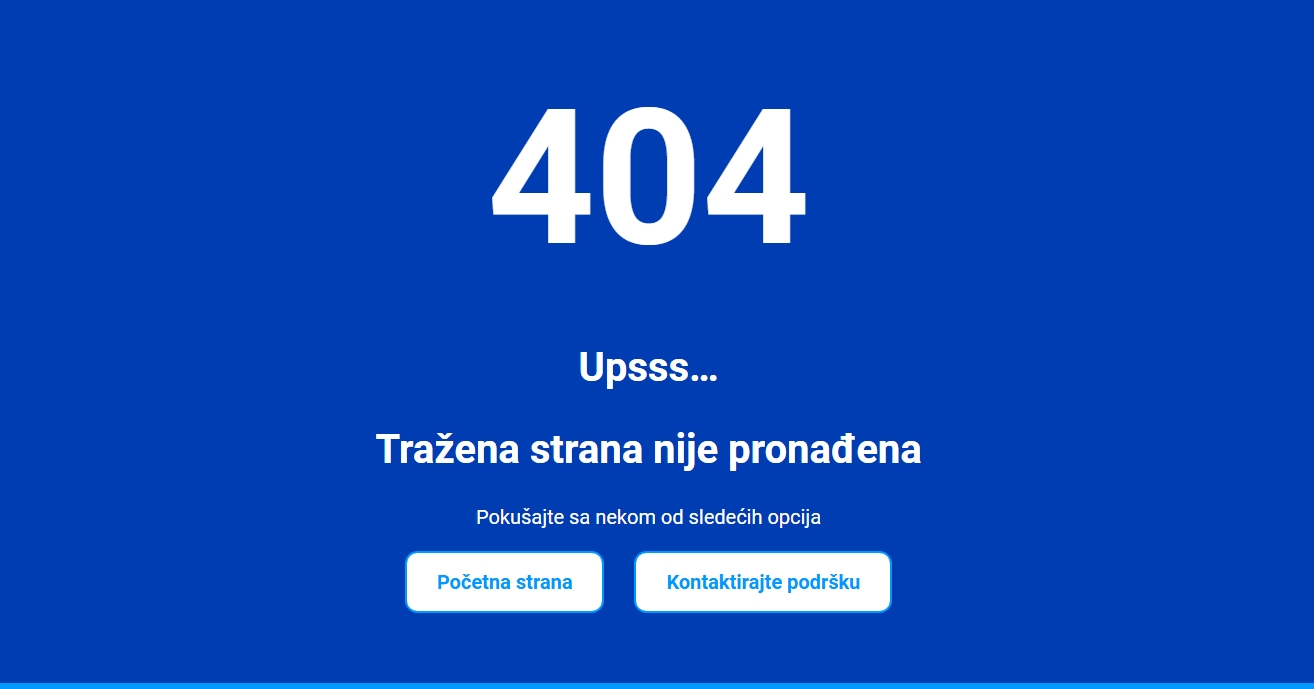
What is important to know?
- A 404 error causes problems with user experience and SEO.
- There are simple steps to fix the error.
- Understanding the cause can help prevent future problems.
Šta je u stvari 404 greška?
It represents the message users see when they try to access a page that doesn't exist.
In short, she means that it is the server successfully received the request, but cannot find the requested resource.
Korisnici često doživljavaju frustraciju kada naiđu na ovu grešku, što može rezultirati gubitkom posetilaca ili potencijalnih kupaca.
A 404 error can be displayed in different ways:
- 404 Not Found Error
- 404 HTTP 404
- 404 Page Not Found
- Error 404 Not Found
- HTTP 404 Not Found
Why am I getting a 404 error?
One of the most common causes is wrongly entered URLs.
Also, the error can occur when the webmaster deletes or moves the page without updating the links.
HTTP Status Codes - What do they mean?
HTTP status codes are numerical labels returned by the server in response to an HTTP request.
| 100–199 | Informational responses – Informacioni |
| 200–299 | Successful responses |
| 300–399 | Redirects – Redirekcija |
| 400–499 | Client errors - An error on the client side |
| 500–599 | Server errors - Error on the server side |
Kako rešiti 404 grešku?

When a user encounters a 404 error, it is important to quickly identify the cause and take steps toward a solution.
URL verification
Prvi korak jeste provera tačnosti URL adrese.
In addition, the user can try to refresh the page or go back to the previous page and click the link again.
Using diagnostic tools
Using diagnostic tools can be very helpful. Google Search Console allow users to identify errors on their site.
Through these tools, users can get detailed reports on which pages are missing and where broken links are located.
Contacting the webmaster
If the user is unable to resolve the issue on their own, contacting the webmaster may be a useful option.
The user should provide as much information as possible, including the URL that leads to the error, so that the webmaster can respond quickly.
404 Error Prevention - Avoid errors before they happen!

Preventing 404 errors is key to maintaining website functionality.
Proper link management
Each time it is created or modified url, it is important to check its functionality.
- Using analysis tools: Using tools like Google Search Console or Screaming Frog can help identify broken links.
- Redirecting links: When changing URLs, it is important to set a 301 redirect to the new URL so that users and browsers are properly directed.
- Organizing internal links: Internal links should be checked regularly to make it easier for users to navigate and avoid 404 errors.
Regular content updates
The constant presence of new content keeps the site relevant and useful.
- Track outdated pages: It's time to regularly review the content on the site and identify pages that are outdated or irrelevant.
- Get informed about changes: When the structure of the site changes or when new pages are added, it is important to update all relevant links.
- User engagement: Encouraging users to report broken links can help detect and correct errors more quickly.
Implementing these strategies can significantly reduce the risk of 404 errors on your site.
Frequently asked questions
Does 404 error affect SEO and how can I fix it?
Yes, it can negatively affect SEO because it reduces the user experience.
Can 404 errors cause indexing problems for my site?
Yes, if search engines frequently encounter 404 errors, it can affect the indexing of the site, as non-existent pages will be considered inaccessible.
What should I do if search engines keep indexing a page that no longer exists?
You can request removal from the Google index through the Google Search Console tool or use 410 Gone a status code that signals that the page does not exist permanently.
Could the 404 error be caused by hosting issues?
Yes, in rare cases a poorly configured server or hosting configuration errors can cause errors to display incorrectly.
How do I prevent users from leaving my site after encountering a 404 error?
A custom 404 page with useful links, a search box, and suggested content can help keep visitors on the site.
Can a 404 error be automatically redirected to another page?
Yes, it is possible to set up a 301 or 302 redirect to automatically redirect users to the relevant page.